 1 Year Warranty


The cooperation with Moore was very pleasant!
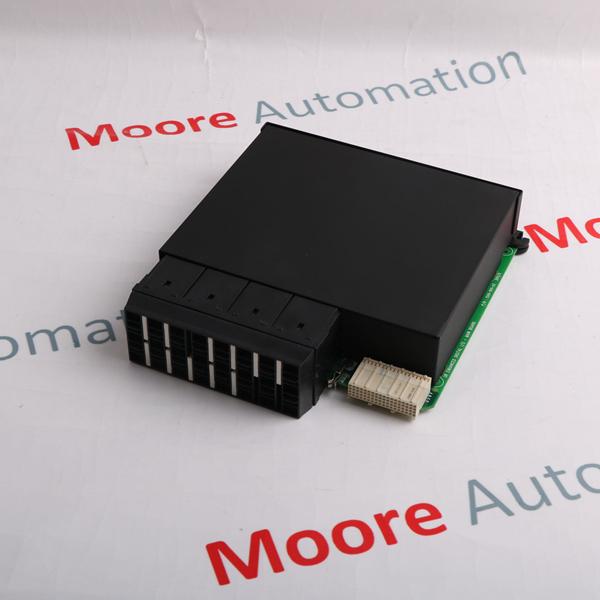
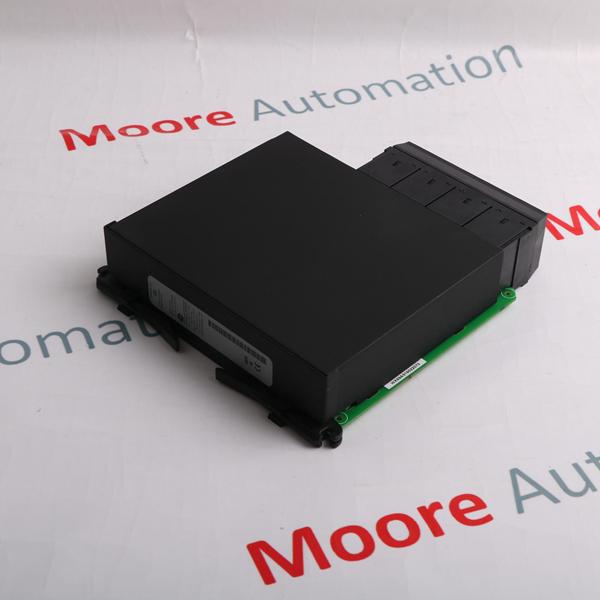

Brand/ Manufacturer:
General ElectricDimensions:
2.1 x 18.8 x 26.2 cmWeight:
0.35 kgCountry of Origin: :
United StatesDescription:
Interface Unit
|
Mfr. Part Number: |
IC693NIU004 |
|
|
|
|
Manufacturer: |
General Electric |
|
|
|
|
Description: |
Module Type: Ethernet Remote I/O Interface
|
|
|
|
|
Full Description: |
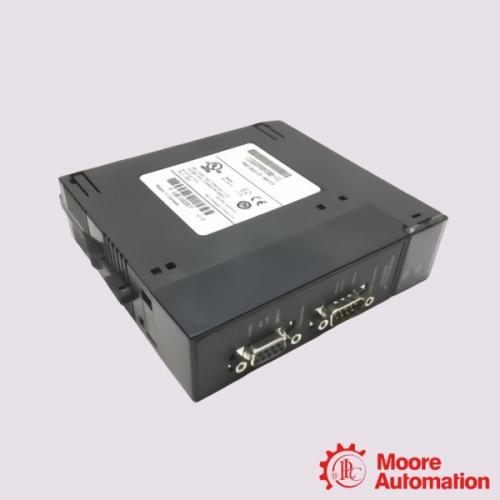
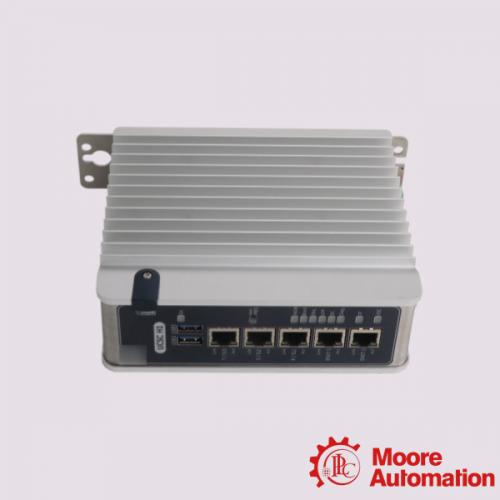
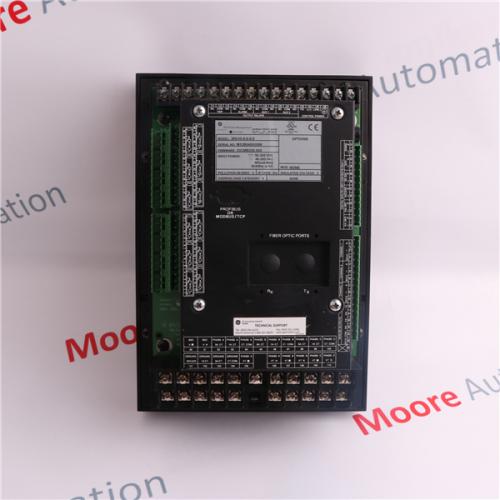
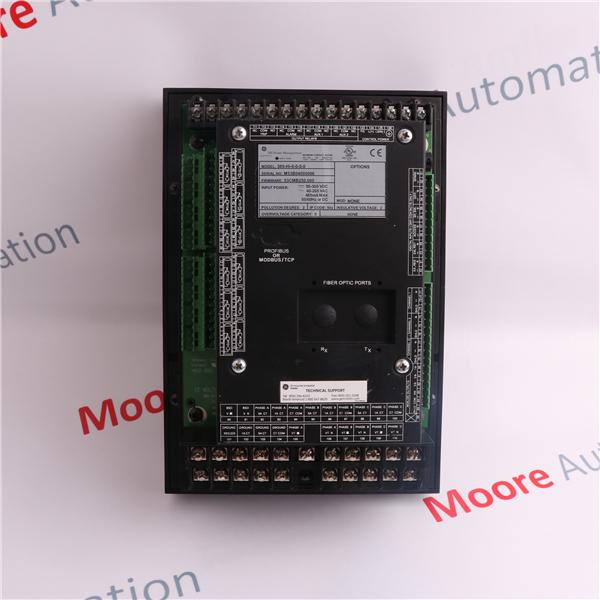
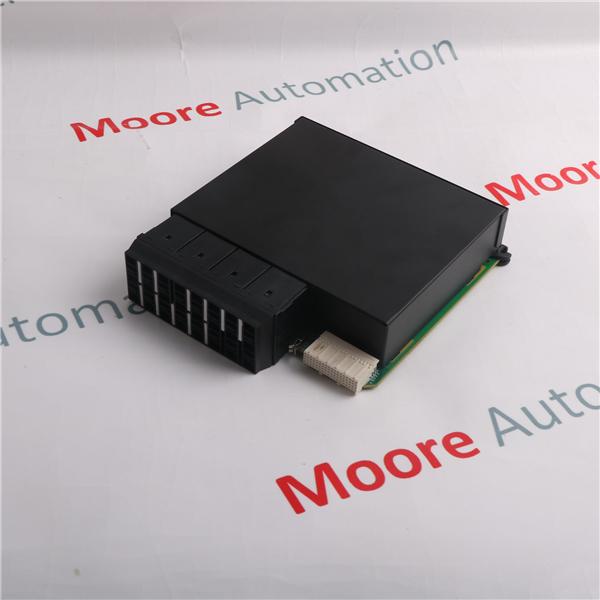
IC693NIU004 is a GE Fanuc · 90-30 series Ethernet Network Interface Unit.
|
 plcsale@mooreplc.com
  + 86 18030235313
  dddemi33
  2851195473
Hope we can do more business in future ! There will become your honest cooperation partners!
product details
The IC693NIU004 is a GE Fanuc 90-30 series Ethernet Network Interface Unit. This operates as an Ethernet Global Data station (EGD), exchanging input and output data, status and control data over the network. The unit comes with 8 LEDs, an ethernet restart push button, 3 port connectors, and a shield ground connection tab. The Mac Address label can be located on the outside of the module. The IC693NIU004 ENUI comes with 8 LEDs. The EOK, LAN, STAT and PS port indicate the status of the module. The other four LEDs are linked to the two RJ-45 ports. The power supply LED is not related to the ethernet ports but only indicates the presence of traffic through the serial ports of the module’s power supply. The EOK, LAN and STAT LEDs can be On/OFF Blinking slow or Blinking fast. These indicate the status of the Ethernet interfaces, traffic at the Ethernet ports (LAN LED) and that an exception event has occurred. Every RJ-45 ports comes with 2 LEDs just as you would find on a PC’s RJ-45 port. The one labelled LINK/ACT comes on when the link is physically present and blinks when traffic is detected on that port. The other indicator labeled 100Mbps comes on to indicate that the connection is 100Mbps
The ethernet restart push button has 2 functions: performing the LED test and restart. Pressing the Ethernet restart push button will have the effect of disrupting ethernet communications, this includes any communication to other devices attached to the embedded switch. When the Ethernet restart pushbutton is pressed, the 7 LEDs come on simultaneously. One should ensure that the LEDs go OFF and ON. The interface then performs a restart. Power diagnostics run and interface’s software is restarted to operational state
|
EPRO |
PR6423/010-140 |
|
EPRO |
PR6423/012-100 |
|
EPRO |
PR6423/012-120 |
|
EPRO |
PR6423/013-020 |
|
EPRO |
PR6423/010-140+CON021 |
|
EPRO |
PR6423/010-140+CON011 |
|
EPRO |
PR6423/010-140+CON021/916-200 |
|
EPRO |
PR6423/009-010+CON021 |
|
EPRO |
PR6423/009-010 |
|
EPRO |
PR6423/10R-111+CON031 |
|
EPRO |
PR6423/000-131+CON021 |
|
EPRO |
PR6423/002 |
|
EPRO |
PR6423/000-140+CON021 |
|
EPRO |
PR6423/000-031 |
|
EPRO |
PR6423/00B-030+CON021 |
|
EPRO |
PR6423/00C-030+CON021 |
|
EPRO |
PR6423/010-031 |
|
EPRO |
PR6423/018-010 |
|
EPRO |
PR6423/002-030 |
|
EPRO |
PR6423/002-030+CON021 |
|
EPRO |
PR6423/004-030 |
|
EPRO |
PR6423/004 |
|
EPRO |
PR6423/000-000 |
|
EPRO |
PR6423/00R |
|
EPRO |
PR6423/010-030 |
|
EPRO |
PR6423/001-010-CN |
|
EPRO |
PR6423/010-100+CON011 |
|
EPRO |
PR6423/010-100+CON021 |
|
EPRO |
PR6423/000-000-CN+CON011 |
|
EPRO |
PR6423/003 |
|
EPRO |
PR6423/10R |
|
EPRO |
PR6423/000 |
|
EPRO |
PR6423/010 |
|
EPRO |
PR6423/00R-031 |
|
EPRO |
PR6423/011-131+CON031 |
|
EPRO |
PR6423/010-040+CON021 |
|
EPRO |
PR6423/010-120 |
|
EPRO |
PR6423/015-010+CON021 |
|
EPRO |
PR6423/016-011 |
|
EPRO |
040 Cable |
|
EPRO |
PR6424/000 |
|
EPRO |
PR6424/002 |
|
EPRO |
PR6424/012-010+CON011 |
|
EPRO |
PR6424/012-000+CON011 |
|
EPRO |
PR6424/010+CON011 |
|
EPRO |
PR6424/006+CON021 |
|
EPRO |
PR6424/000-100 |
|
EPRO |
PR6424/010-100 |
|
EPRO |
PR6424/01CS |
|
EPRO |
PR6424/003 |
|
EPRO |
PR6424/011-100 |
|
EPRO |
PR6424/010-131+CON031 |
|
EPRO |
PR6424/003-030+CON021 |
|
EPRO |
PR6424/000-030+CON021 |
|
EPRO |
PR6424/010-040+CON021 |
|
EPRO |
PR6424/010-140+CON011 |
|
EPRO |
PR6424/002-131+CON021 |
|
EPRO |
PR6424/010-100+CON021 |
|
EPRO |
A6210 |
|
EPRO |
A6110 |
|
EPRO |
A6760 |
|
EPRO |
A6120 |
|
EPRO |
A6500-UM |
|
EPRO |
A6740 |
|
EPRO |
A3120/022-000 |
|
EPRO |
A6312/06 |
|
EPRO |
A6370D |
|
EPRO |
MMS6140 |
|
EPRO |
MMS6312 |
|
EPRO |
MMS6210 |
|
EPRO |
MMS6410 |
|
EPRO |
MMS6350 |
|
EPRO |
MMS6110 |
|
EPRO |
MMS6310 |
Picture/ Video Request
It's like having the store come to you!
Quick Quotes :
Receive price & availability FAST from our dedicated customer service team.Delivery :
Expedited, Freight, and International shipping available.
Warranty :
If there's a problem, we'll make it right. Your satisfaction is how we measure success!Returns :
No hassle return policy.Repair :
Our team of engineers are creative problem solvers who understand your challenges.Payment :
Custom Calibration :
You give us the specs and we do the rest.Share this page :

Tweet

Share

Share

Email Us
Tel : +86 18030235313
Whatsapp & Wechat : +86 18030235313
Email : 849250460@qq.com
Email : plcsale@mooreplc.com